


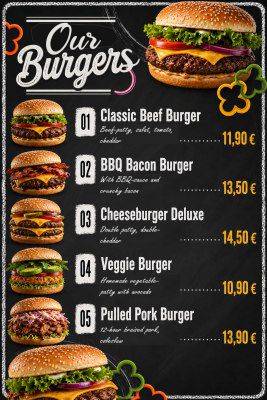
Digital menus in minutes ─ not hours.
Upload your PDF menu, let every dish be extracted automatically, and create a professional digital menu with QR code for your guests.
Everything you need
Everything you need for a professional digital menu - in one place, ready in minutes.
Easy menu import
Upload your existing menu as a PDF, paste a website address or simply drop in the text. Every item is recognised automatically - including its name, price, description and additives. No more tedious retyping: your digital menu is ready to go in just a few minutes.
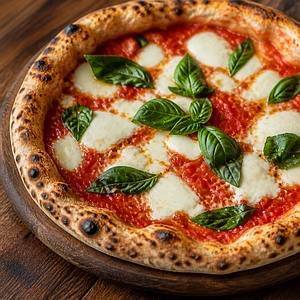
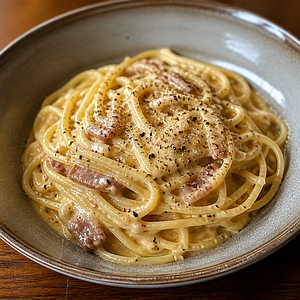
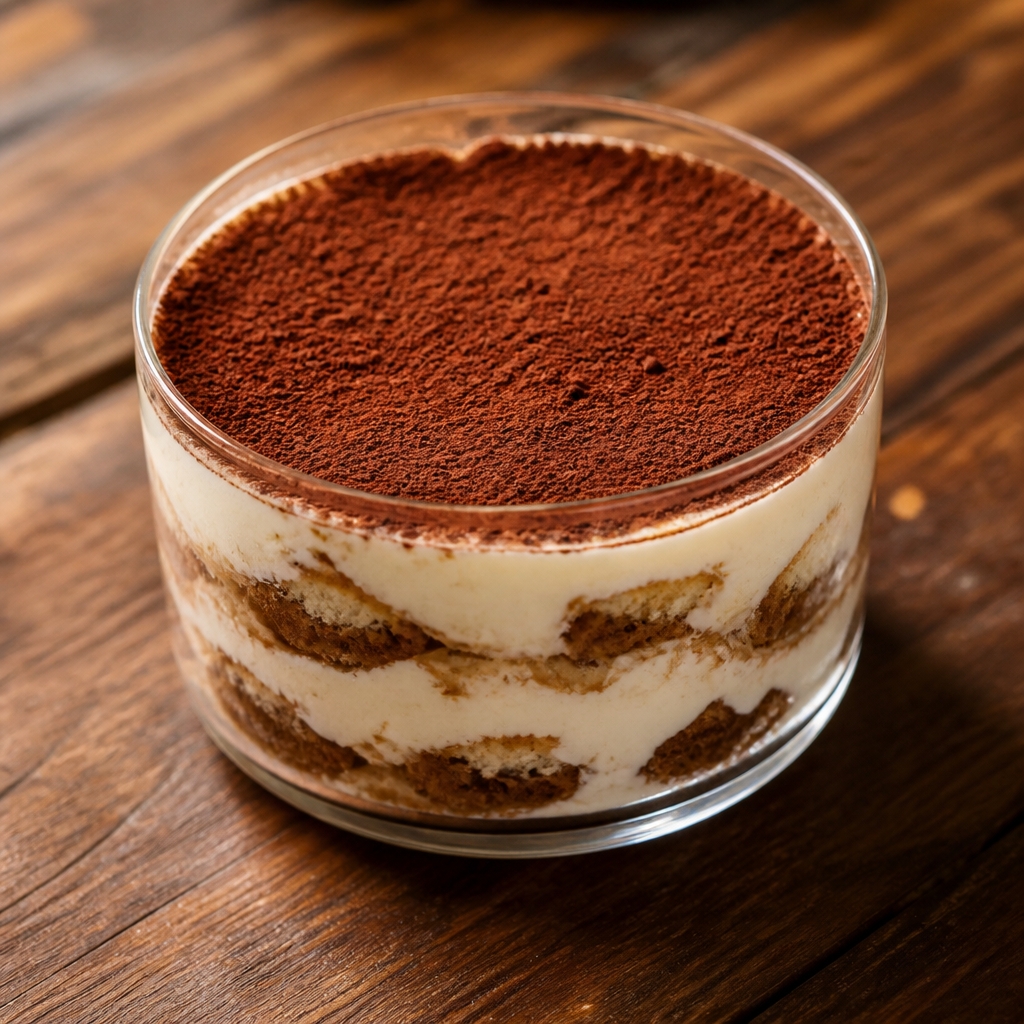
Product images on demand
No professional photos of your dishes? No problem. Describe a dish in a few words and receive an appetising, on-brand image for your menu in moments - with no photo shoot, studio or expensive equipment required.
QR code for every table
Place a QR code on every table - your guests scan it and instantly see your menu on their own smartphone. Always up to date, with no app to install and no worn-out paper cards. Change a price once and the menu is updated everywhere in a single click.
Multilingual menus
Welcome international guests with ease: your menu is translated into 29 languages automatically. Visitors simply pick their language and read every dish in familiar words - your tourists will thank you for it.
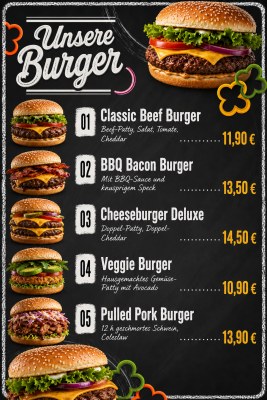
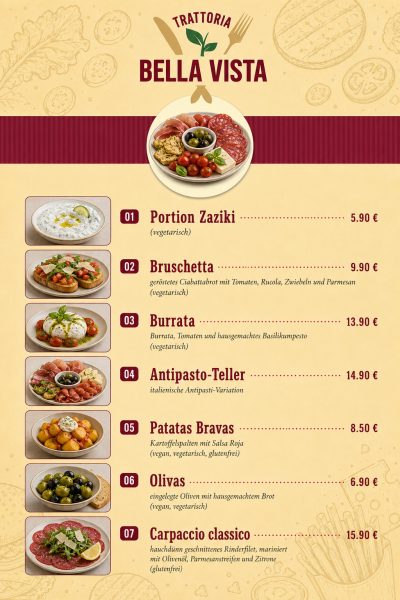
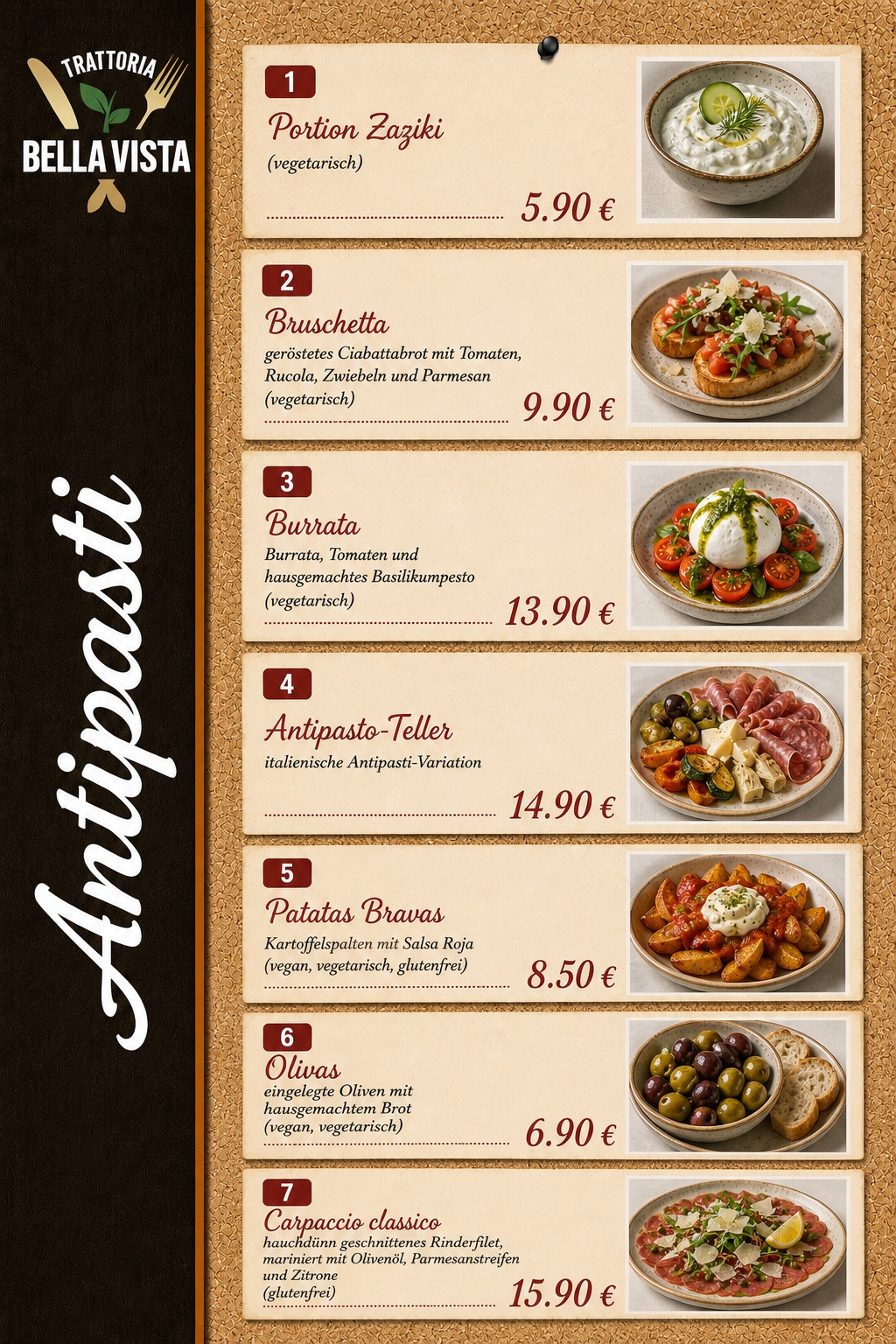
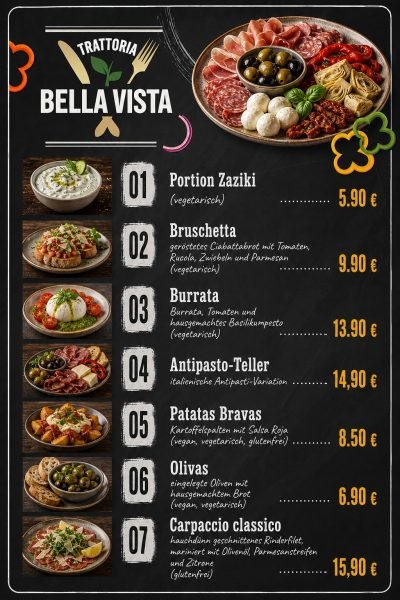
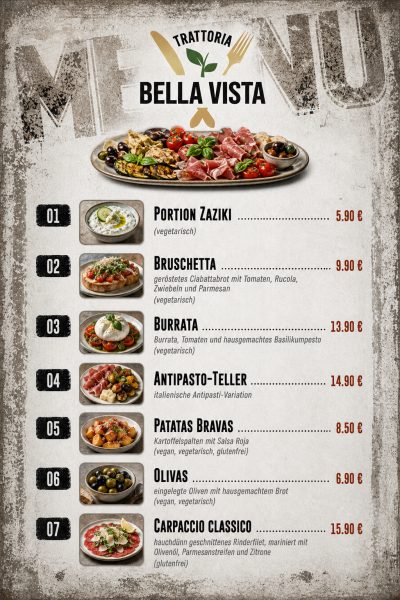
Many design templates
Choose from a growing selection of professional templates - from rustic and elegant to clean and modern. Every layout is carefully crafted so your menu looks polished from the first second and matches the character of your restaurant.
Additives & allergens
Stay on top of mandatory labelling: additives and allergens are picked up automatically from your texts during import and marked clearly on every dish. That keeps you on the legally safe side - entirely without manual upkeep.
Smart ordering option
With this optional feature, guests can order directly from the menu or call a waiter. You can view orders in real time on your tablet, computer, or smartphone, saving you time. This provides your guests with a modern, efficient service.
Your own website
Alongside your digital menu, Menu Mage also builds a dedicated website for your restaurant. Opening hours, directions, contact details and your current menu are set up in just a few minutes - tastefully designed and automatically optimised for phone, tablet and computer. That gives you a professional presence online, with no web designer and no extra website-builder subscription.
Digital menu boards
Put your menu on any screen in your venue - above the counter, in the window or by the entrance. A TV or monitor with a browser is all you need, and the board pulls its content straight from the items you have already entered. Choose whether the content scrolls calmly or switches page by page, and change a price once to have every board updated.
Try it: switch the display mode below the screen.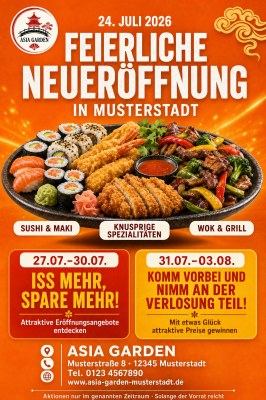
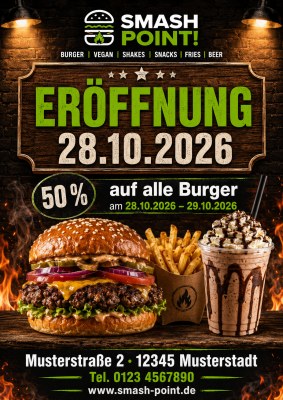
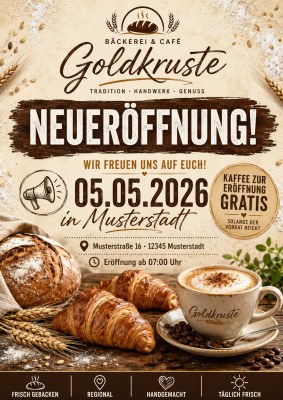
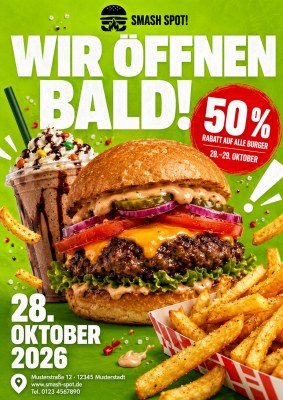
Flyers for your promotions
Lunch offers, happy hour, a Christmas party or a job ad: pick a template, enter a few details and you get a finished flyer as a print-ready PDF - including bleed, so you can send it to a print shop or simply print it yourself. All the dishes and prices come from data you already have.
Already included in the free plan: one flyer.Get more - with far less effort
A professional digital menu, without all the usual overhead around it.
None of this neededYour menu in 4 easy steps
Create restaurant
Enter your restaurant's name, logo, and brand colors.
Add items
Manually or via PDF upload ─ the rest happens automatically.
Choose template
Pick the matching style from multiple templates.
Download menu
Save as PDF or share via QR code.
Create your digital menu easily with Menu Mage.
Import your existing menu, create professional images and descriptions with AI support, generate QR codes for each table and much more.
Frequently asked questions
Everything you want to know about Menu Mage – answered clearly and directly.